


iPhone repair in Carhaix
An iPhone that is damaged or less reliable? We assess the screen, power, charging and other affected functions. Choose the exact generation: mini, Plus and Pro variants have different designs.
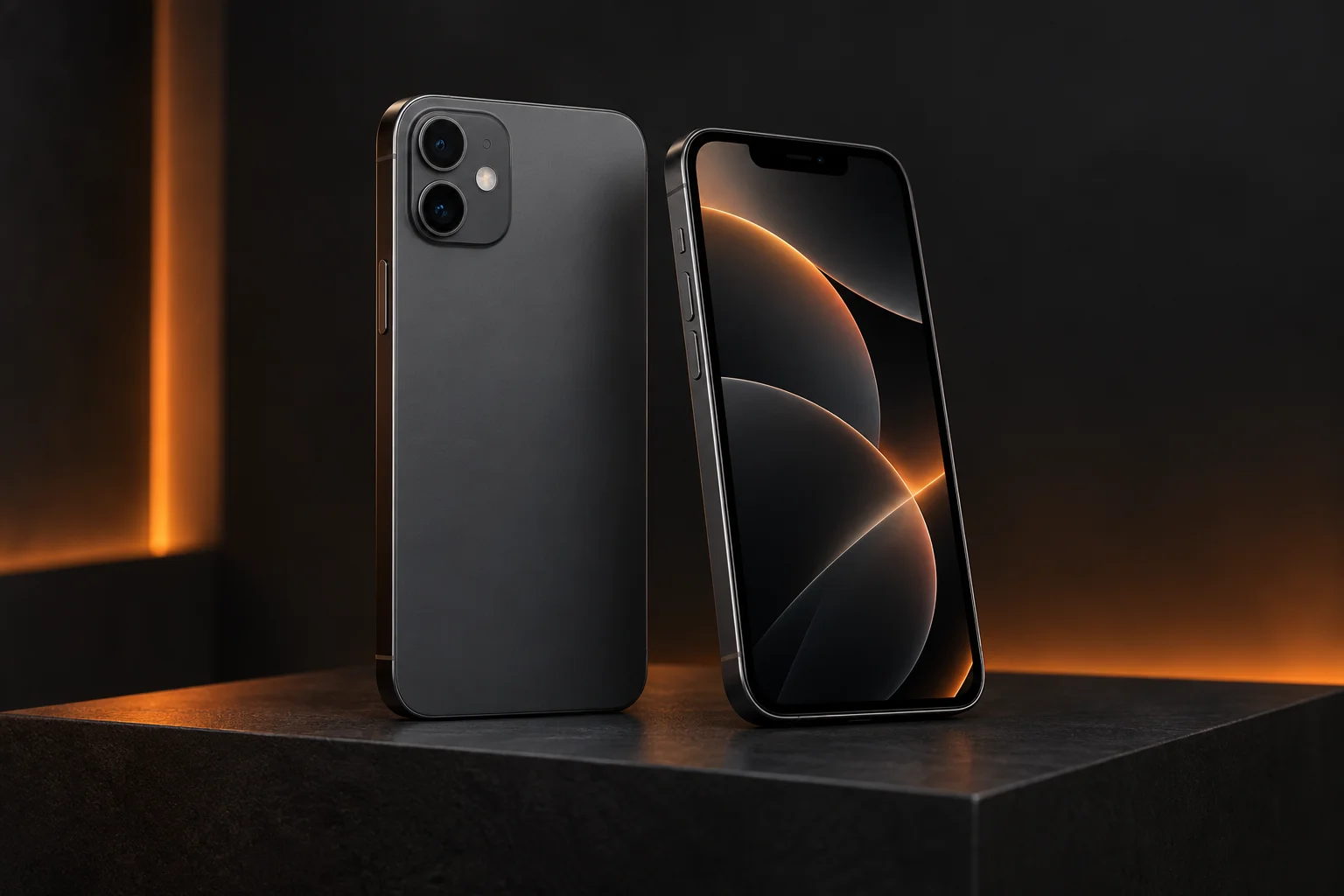
Confirm the exact reference.
In Settings → General → About, note the model name. If the screen no longer responds, the box or our IMEI lookup may help.
Find a smartphone model with the IMEI guide ↗Find your model.
Choose a family, then the full model name. Similar names do not mean the same parts.
iPhone Air
iPhone 17
iPhone 17
This page is for iPhone 17. Distinguish it from: iPhone 17 Pro / iPhone 17e. Find the full name and model number in Settings or on the box before choosing a part.
iPhone 17 Pro
This page is for iPhone 17 Pro. Distinguish it from: iPhone 17 / iPhone 17 Pro Max. Find the full name and model number in Settings or on the box before choosing a part.
iPhone 17 Pro Max
This page is for iPhone 17 Pro Max. Distinguish it from: iPhone 17 Pro / iPhone Air. Find the full name and model number in Settings or on the box before choosing a part.
iPhone 17e
This page is for iPhone 17e. Distinguish it from: iPhone 16e / iPhone 17. Find the full name and model number in Settings or on the box before choosing a part.
iPhone 16
iPhone 16
Give the full name: iPhone 16, Plus, Pro and Pro Max are different models.
iPhone 16 Plus
This page is for iPhone 16 Plus. Distinguish it from: iPhone 16 / iPhone 16 Pro Max. Find the full name and model number in Settings or on the box before choosing a part.
iPhone 16 Pro
This page is for iPhone 16 Pro. Distinguish it from: iPhone 16 / iPhone 16 Pro Max. Find the full name and model number in Settings or on the box before choosing a part.
iPhone 16 Pro Max
This page is for iPhone 16 Pro Max. Distinguish it from: iPhone 16 Pro / iPhone 16 Plus. Find the full name and model number in Settings or on the box before choosing a part.
iPhone 16e
This page is for iPhone 16e. Distinguish it from: iPhone 16 / iPhone SE (2022). Find the full name and model number in Settings or on the box before choosing a part.
iPhone 15
iPhone 15
This page covers the standard iPhone 15. Specify Plus, Pro or Pro Max where applicable.
iPhone 15 Plus
This page is for iPhone 15 Plus. Distinguish it from: iPhone 15 / iPhone 15 Pro Max. Find the full name and model number in Settings or on the box before choosing a part.
iPhone 15 Pro
Check Pro or Pro Max in the model name. Similar looks are not enough to choose parts.
iPhone 15 Pro Max
This page is for iPhone 15 Pro Max. Distinguish it from: iPhone 15 Pro / iPhone 15 Plus. Find the full name and model number in Settings or on the box before choosing a part.
iPhone 14
iPhone 14
Specify iPhone 14, 14 Plus, Pro or Pro Max: this page covers the standard model.
iPhone 14 Plus
This page is for iPhone 14 Plus. Distinguish it from: iPhone 14 / iPhone 14 Pro Max. Find the full name and model number in Settings or on the box before choosing a part.
iPhone 14 Pro
Confirm the Pro model in About; the standard 14 and Pro Max are different.
iPhone 14 Pro Max
This page is for iPhone 14 Pro Max. Distinguish it from: iPhone 14 Pro / iPhone 14 Plus. Find the full name and model number in Settings or on the box before choosing a part.
iPhone 13
iPhone 13
Do not select this model for a 13 mini, Pro or Pro Max. If unsure, check the model name in About.
iPhone 13 mini
This page is for iPhone 13 mini. Distinguish it from: iPhone 13 / iPhone 12 mini. Find the full name and model number in Settings or on the box before choosing a part.
iPhone 13 Pro
13 Pro and 13 Pro Max have different references. The full name is needed for the quote.
iPhone 13 Pro Max
Confirm Pro Max, not just iPhone 13 or 13 Pro. Size and construction differ.
iPhone 12
iPhone 12
The standard model differs from the 12 mini, 12 Pro and Pro Max. Bring the affected cable if charging is intermittent.
iPhone 12 mini
This page is for iPhone 12 mini. Distinguish it from: iPhone 12 / iPhone 13 mini. Find the full name and model number in Settings or on the box before choosing a part.
iPhone 12 Pro
This page is for iPhone 12 Pro. Distinguish it from: iPhone 12 / iPhone 12 Pro Max. Find the full name and model number in Settings or on the box before choosing a part.
iPhone 12 Pro Max
This page is for iPhone 12 Pro Max. Distinguish it from: iPhone 12 Pro / iPhone 13 Pro Max. Find the full name and model number in Settings or on the box before choosing a part.
iPhone 11
iPhone 11
Check that it is not an iPhone 11 Pro or Pro Max. Mention any impact or liquid exposure.
iPhone 11 Pro
This page is for iPhone 11 Pro. Distinguish it from: iPhone 11 / iPhone 11 Pro Max. Find the full name and model number in Settings or on the box before choosing a part.
iPhone 11 Pro Max
This page is for iPhone 11 Pro Max. Distinguish it from: iPhone 11 / iPhone 11 Pro. Find the full name and model number in Settings or on the box before choosing a part.
iPhone 8
iPhone 8
This page is for iPhone 8. Distinguish it from: iPhone 8 Plus / iPhone SE (2020). Find the full name and model number in Settings or on the box before choosing a part.
iPhone 8 Plus
This page is for iPhone 8 Plus. Distinguish it from: iPhone 8 / iPhone 7 Plus. Find the full name and model number in Settings or on the box before choosing a part.
iPhone 7
iPhone 7
This page is for iPhone 7. Distinguish it from: iPhone 7 Plus / iPhone 8. Find the full name and model number in Settings or on the box before choosing a part.
iPhone 7 Plus
This page is for iPhone 7 Plus. Distinguish it from: iPhone 7 / iPhone 8 Plus. Find the full name and model number in Settings or on the box before choosing a part.
iPhone 6
iPhone 6
This page is for iPhone 6. Distinguish it from: iPhone 6 Plus / iPhone 6s. Find the full name and model number in Settings or on the box before choosing a part.
iPhone 6 Plus
This page is for iPhone 6 Plus. Distinguish it from: iPhone 6 / iPhone 6s Plus. Find the full name and model number in Settings or on the box before choosing a part.
iPhone 6s
This page is for iPhone 6s. Distinguish it from: iPhone 6 / iPhone 6s Plus. Find the full name and model number in Settings or on the box before choosing a part.
iPhone 6s Plus
This page is for iPhone 6s Plus. Distinguish it from: iPhone 6 Plus / iPhone 6s. Find the full name and model number in Settings or on the box before choosing a part.
iPhone XS
iPhone XS
This page is for iPhone XS. Distinguish it from: iPhone X / iPhone XS Max. Find the full name and model number in Settings or on the box before choosing a part.
iPhone XS Max
This page is for iPhone XS Max. Distinguish it from: iPhone XS / iPhone XR. Find the full name and model number in Settings or on the box before choosing a part.
iPhone XR
iPhone X
iPhone SE
iPhone SE (2016)
This page is for iPhone SE (2016). Distinguish it from: iPhone SE (2020) / iPhone SE (2022). Find the full name and model number in Settings or on the box before choosing a part.
iPhone SE (2020)
SE 2020 is the second generation. Do not confuse it with SE 2016 or SE 2022.
iPhone SE (2022)
The third-generation SE 2022 looks similar to SE 2020: confirm the generation in Settings.
Your model is not listed? Include its complete name in your quote request; we will check the repair options and parts.
From your request to the workshop.
- Describe
Give the reference, symptoms and circumstances. Your selected device and repair can be changed in the form.
- Decide
We assess the fault, available parts and proposed work. You approve the quote before repair.
- Find us
Drop-off and collection at 12 rue Oberhausen, Carhaix-Plouguer. Repair work has a 6-month parts and labour warranty for faults related to our intervention.